Same university, different campus: check the exact Australian course record
Match the institution, course, location and delivery details before assuming that a familiar university name describes the programme you will attend.
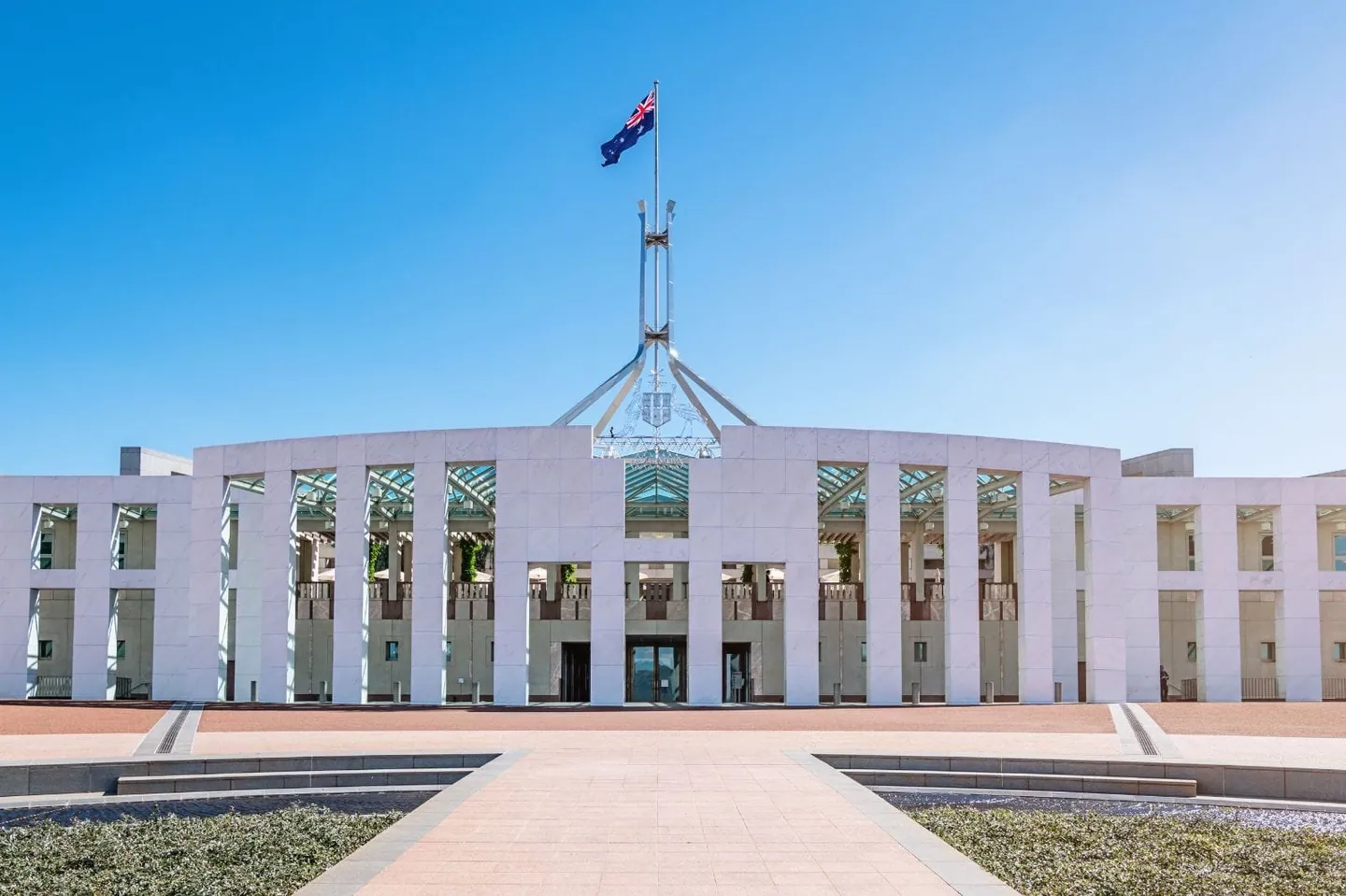
A university name is not enough to identify your Australian study plan. Match the exact course, campus, qualification and delivery arrangement across the official record, the programme page and the offer. Resolve differences before you accept terms or arrange accommodation.
Identify the exact course and provider
CRICOS is the Australian Government register of institutions and courses offered to people studying in Australia on student visas. Its official site provides course and institution searches. Use the relevant record to orient your checks, then read the provider’s own current course information.
Record the full provider name, course title, qualification and listed location information. Where a course has a code, preserve it exactly in your notes. Similar names, abbreviations or promotional titles should not be treated as proof that two records describe the same award.
Ask where the learning actually happens
A provider may have several campuses, while a particular programme may be offered at only some locations. Ask where lectures, laboratories, assessments and support appointments take place. If the programme includes movement between sites, clarify when it occurs and what the student must arrange.
Check that the campus in your offer matches the one you researched. Do not select accommodation based on a photograph of a university’s better-known site. If a partner delivers part of the teaching, ask which organisation teaches, assesses and awards the qualification.
Compare the practical implications
Research transport, timetable expectations, access to facilities and the location of any compulsory practical component. Use current official campus maps and transport information. A short distance on a map does not automatically mean a manageable commute, particularly when classes or placements occur early or late.
Ask whether the advertised facilities are available to your programme and cohort. A university-wide research centre may not be a facility every taught student can use. Keep the answer specific rather than inferring access from a brochure image.
Resolve inconsistencies before committing
If the programme page, official register and offer appear different, ask the provider to explain the exact record and current arrangements in writing. Do not attempt to reconcile the difference by changing a document yourself. Pause a consequential decision until the responsible office has clarified it.
Vidhyarthi Mithram can help organise a campus-specific comparison and application questions. A register entry does not guarantee admission, a visa, accommodation or employment. For immigration implications of a campus or course change, use current Home Affairs guidance and appropriately qualified advice rather than a general blog inference.
Your next-step checklist
- Save the official provider and course records.
- Match the course, award and campus across documents.
- Ask about teaching and assessment locations.
- Research transport and access to relevant facilities.
- Resolve discrepancies with the provider before paying.
Questions students ask
Does one university name mean all campuses offer the same course?
No. Check the exact course and location information for your intended intake.
Does CRICOS registration guarantee my visa?
No. Registration information and an individual visa decision serve different purposes. Follow current official immigration requirements.
Who should clarify a campus mismatch in an offer?
Ask the provider’s authorised admissions office to confirm the correct course and campus details in writing.
Sources & further reading
Official references consulted for this guide. The practical planning suggestions and explanations are our editorial guidance.